 AntiChat
 Chat
Write, plan, explain, code. Drop in PDFs, spreadsheets and documents, and get files back.
Works on every Apple silicon Mac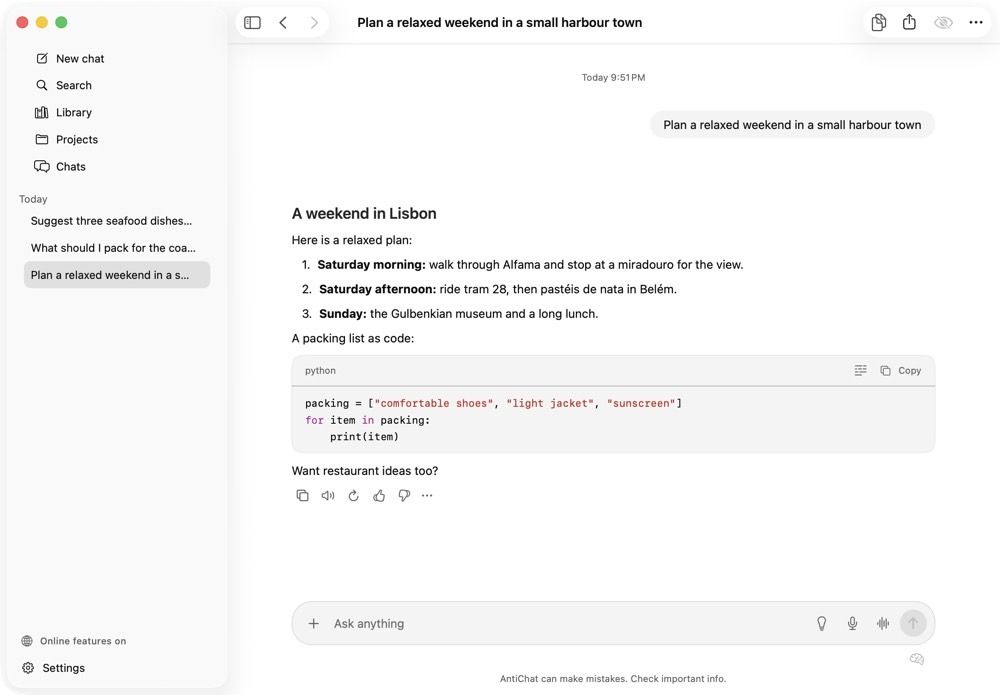
Chat, talk, make pictures and short videos. It all runs on your Mac's own chip. Private, free, and no account.
AntiChat needs a Mac with Apple silicon (M1 or later). Intel Macs are not supported.
Free · macOS 26 Tahoe or later · Apple silicon

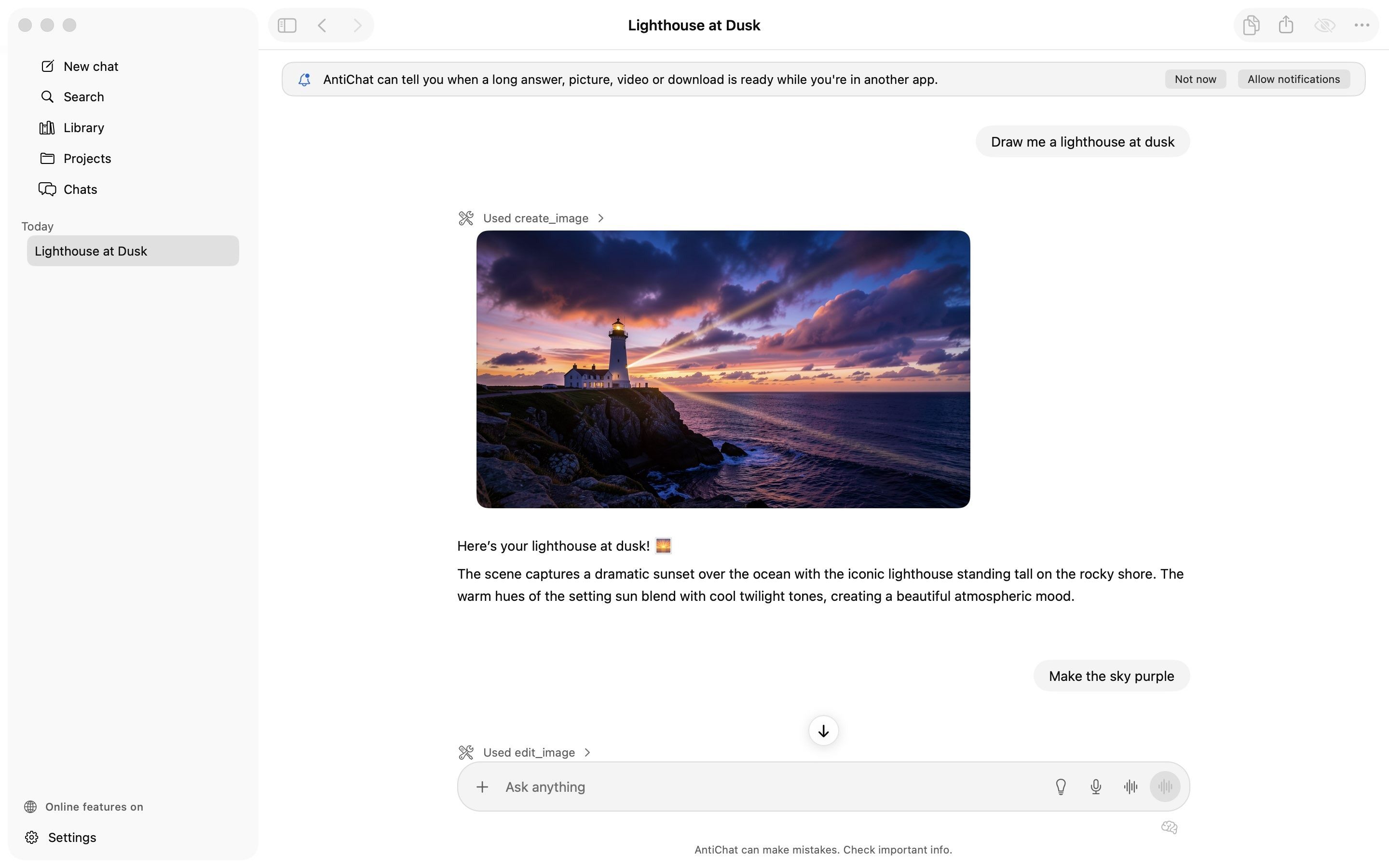
A real AntiChat window. The lighthouse was drawn by the Mac itself.
Pick what you want during setup. AntiChat checks your Mac and only offers what fits.
ChatWrite, plan, explain, code. Drop in PDFs, spreadsheets and documents, and get files back.
Works on every Apple silicon Mac Voice
Talk it through, hands-free. It listens, thinks, and answers out loud.

 Photo
Make pictures from a sentence, then edit, erase, cut out and upscale them.
Needs 16 GB of memory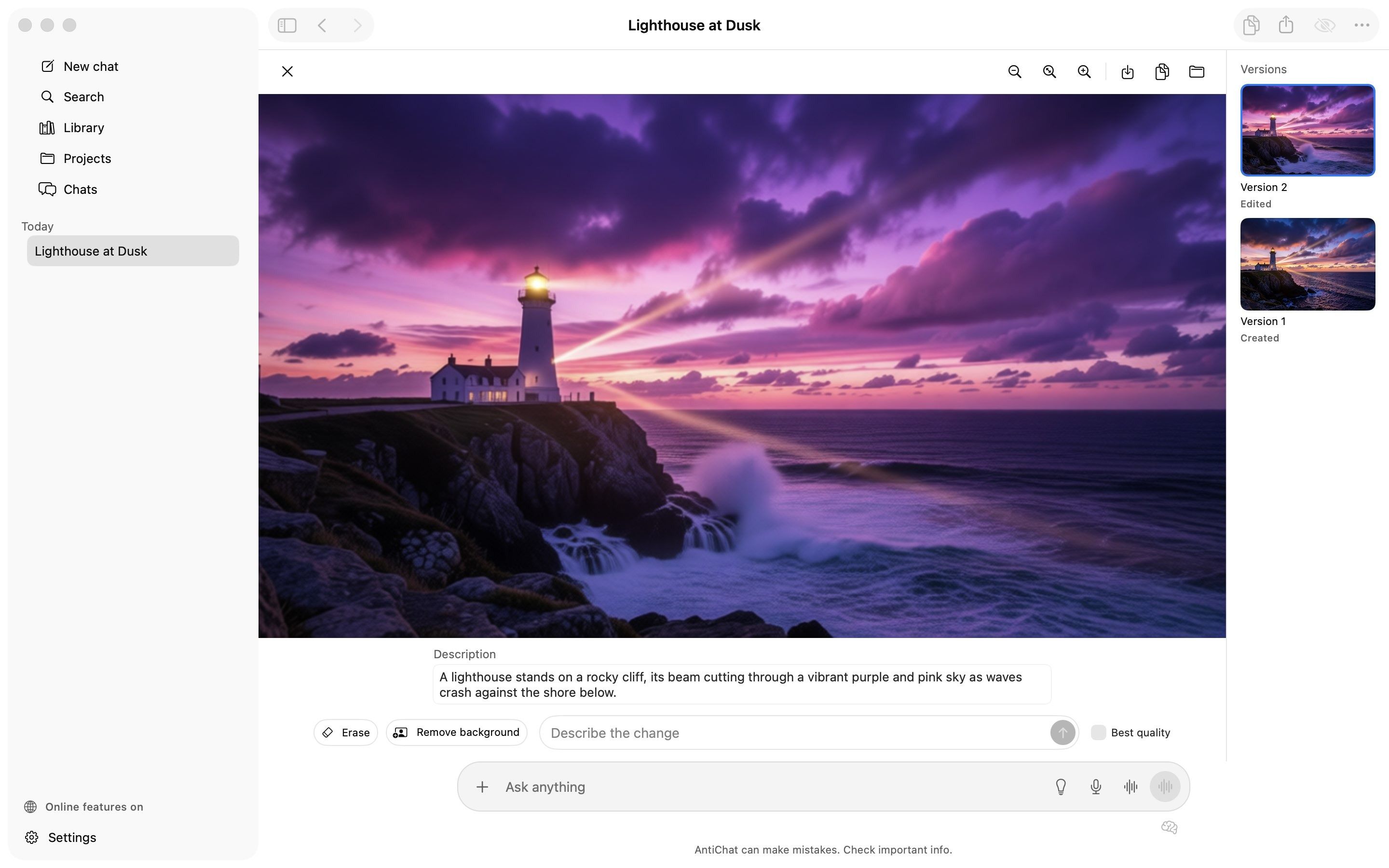
 Video
Short clips from a sentence or a picture, rendered on your Mac while you keep chatting.
Needs 24 GB of memory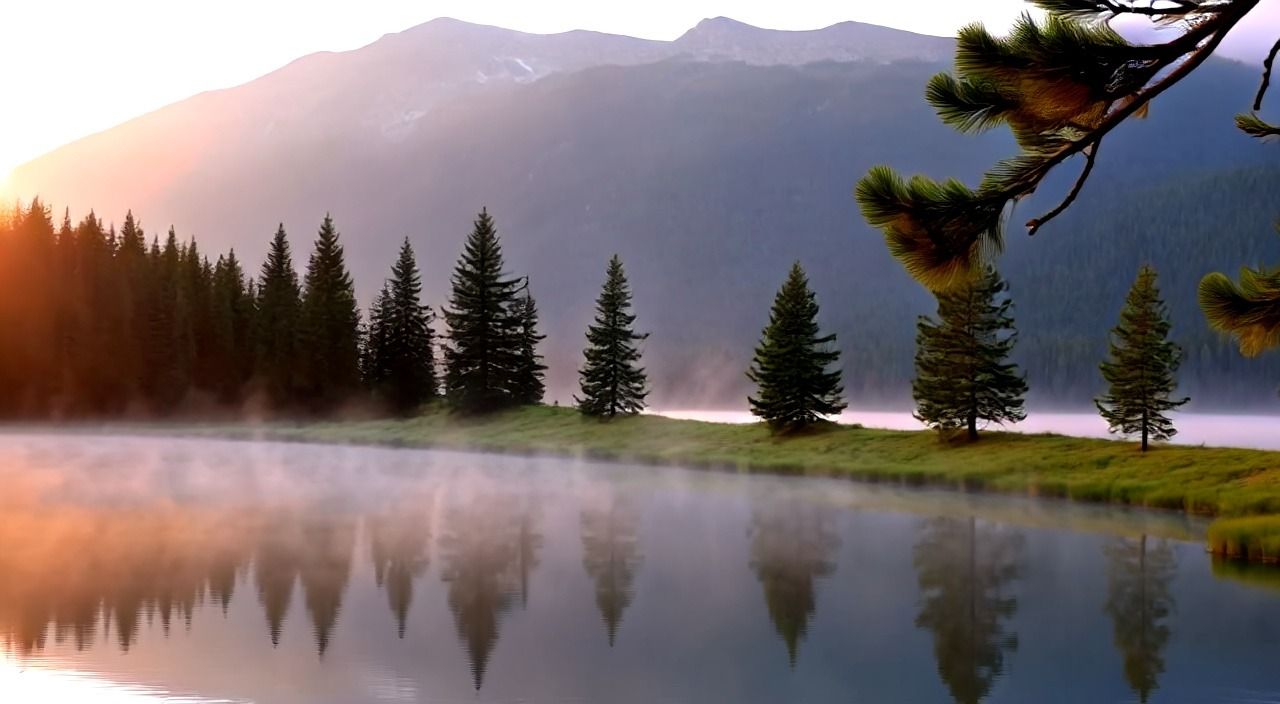
Models are downloaded in the app, and their sizes are shown before anything downloads. Requirements
The parts of a chat app you reach for every day, built in and working offline.
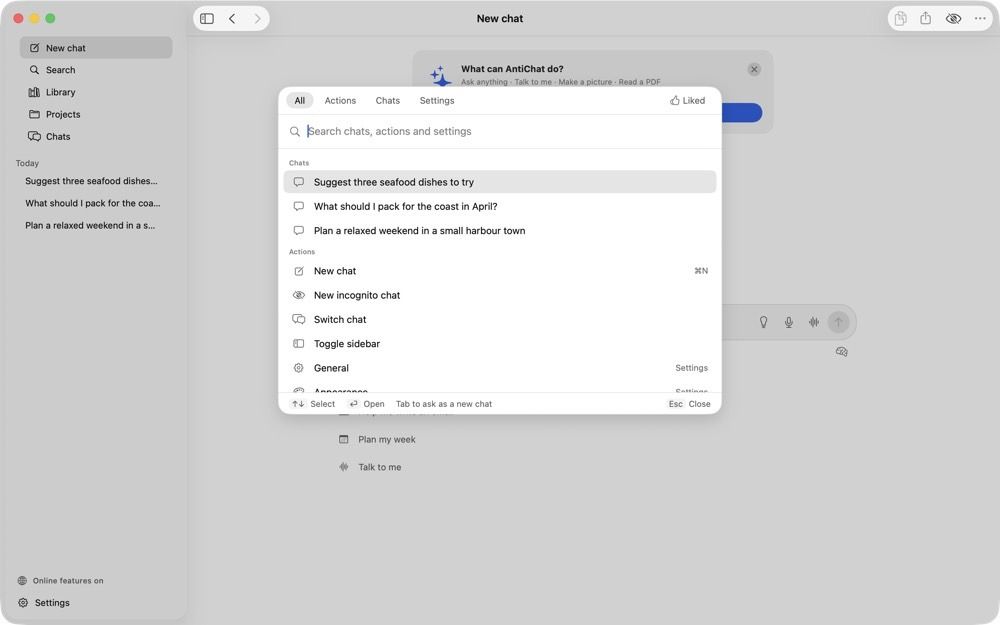
Read PDFs, spreadsheets and documents, and write files back out.
Off until you turn it on. Answers come with sources you can check.
Keep related chats, files and instructions together.
Nothing from an incognito chat is saved. Close it and it's gone.
Jump to any chat, action or setting from the keyboard.
Signed updates in the background. Your chats and models are never touched.

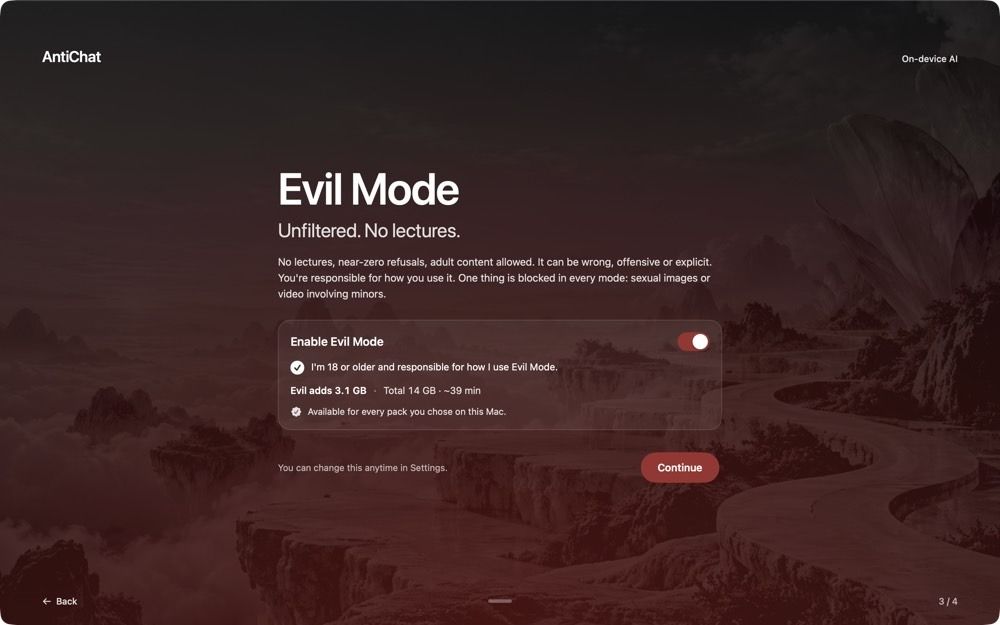
Evil Mode · off by default
Uncensored versions of each model, for adults who want straight answers. Near-zero refusals, adult content allowed, and it can be wrong, offensive or explicit.
One thing is blocked in every mode: sexual images or video involving minors. An on-device check runs on every picture and clip it makes. So no, it isn't “zero restrictions”.
Read the Evil Mode terms and the acceptable use policy.
Your chats, pictures and models live on this Mac. Nothing leaves it unless you use an online feature.
Once the models are downloaded, turn on Offline only and nothing leaves your Mac at all.
No analytics, no tracking, no usage pings. AntiChat never trains on what you write.
No sign-up and no email. Open it and start typing. Settings exports everything, any time.
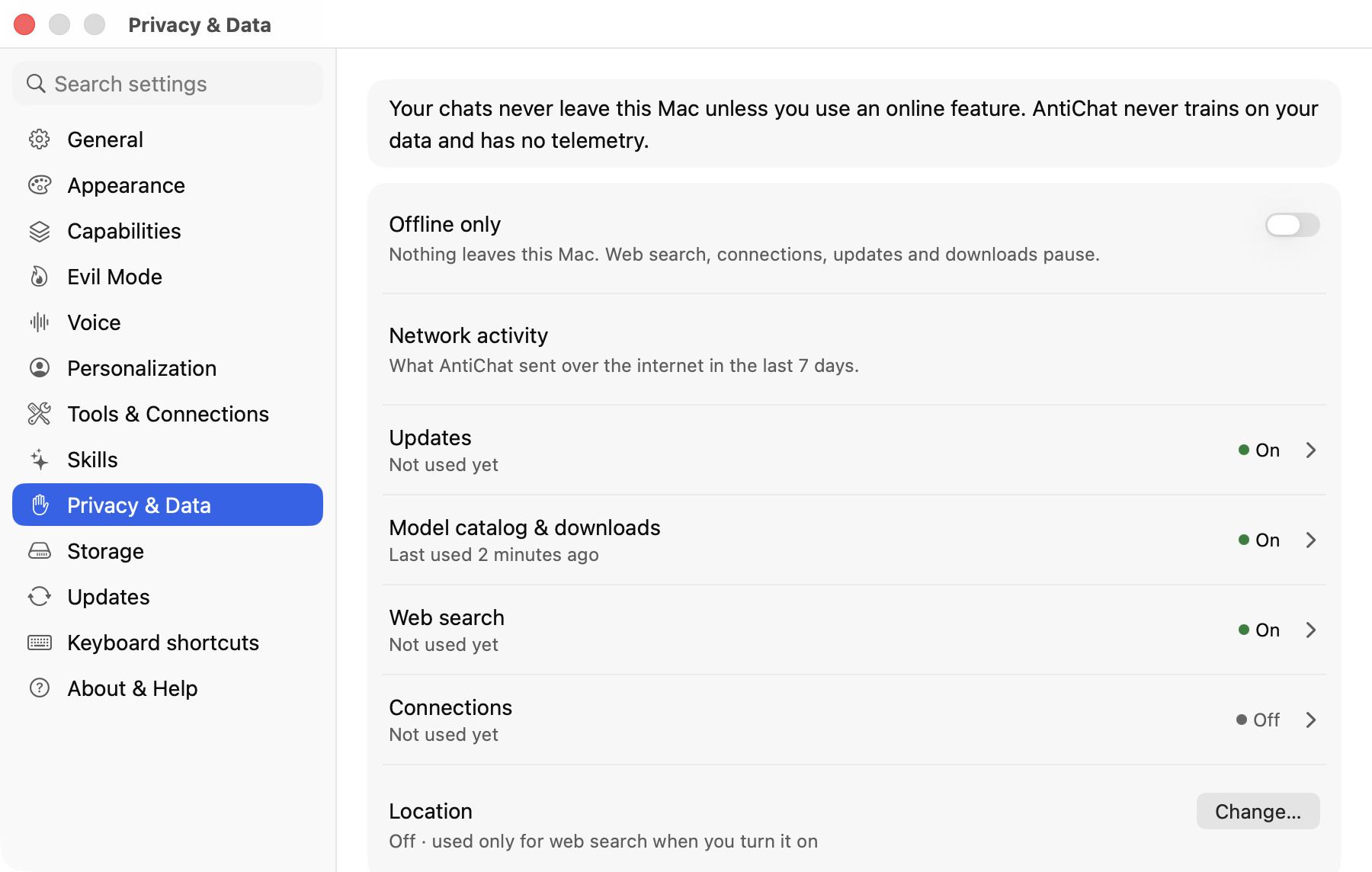
Every online feature is listed on the privacy page. The source code is coming.
No terminal, no Python, no model hunting.
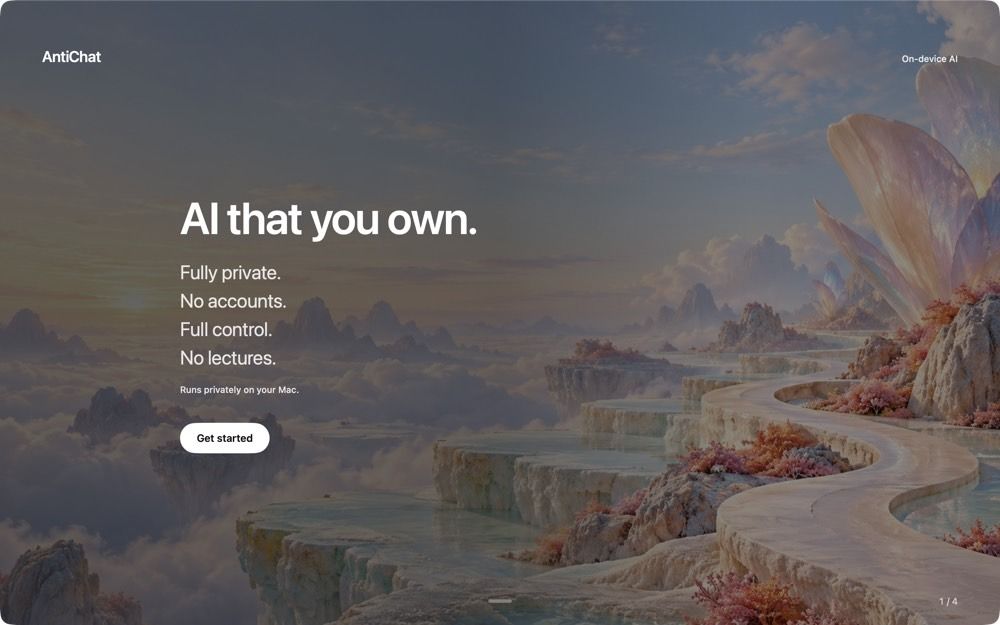
Drag AntiChat to Applications. The disk image holds no models, so it's small.
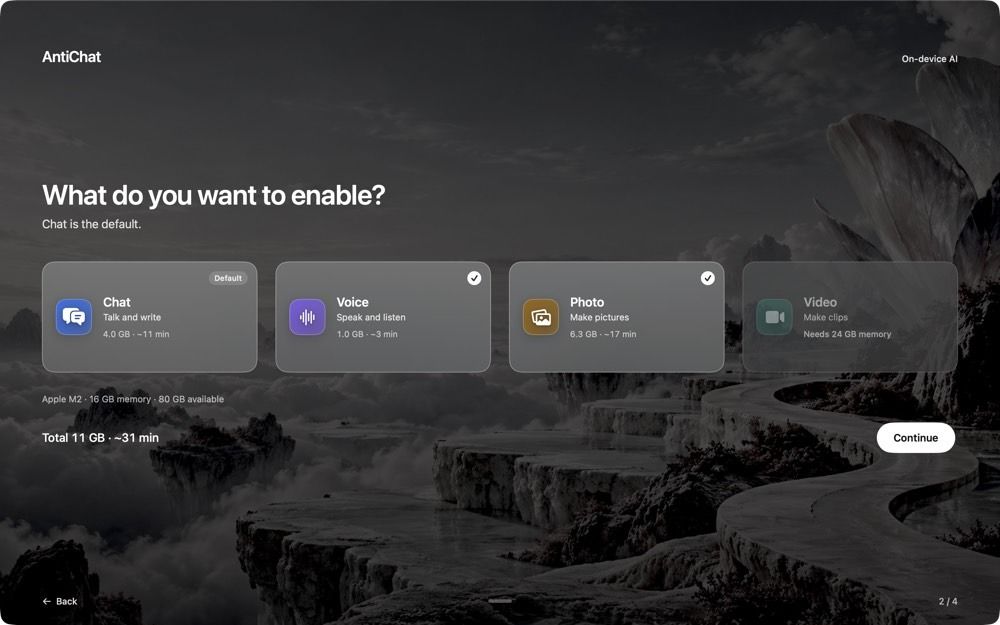
Chat is the default. Add Voice, Photo or Video if your Mac has room.
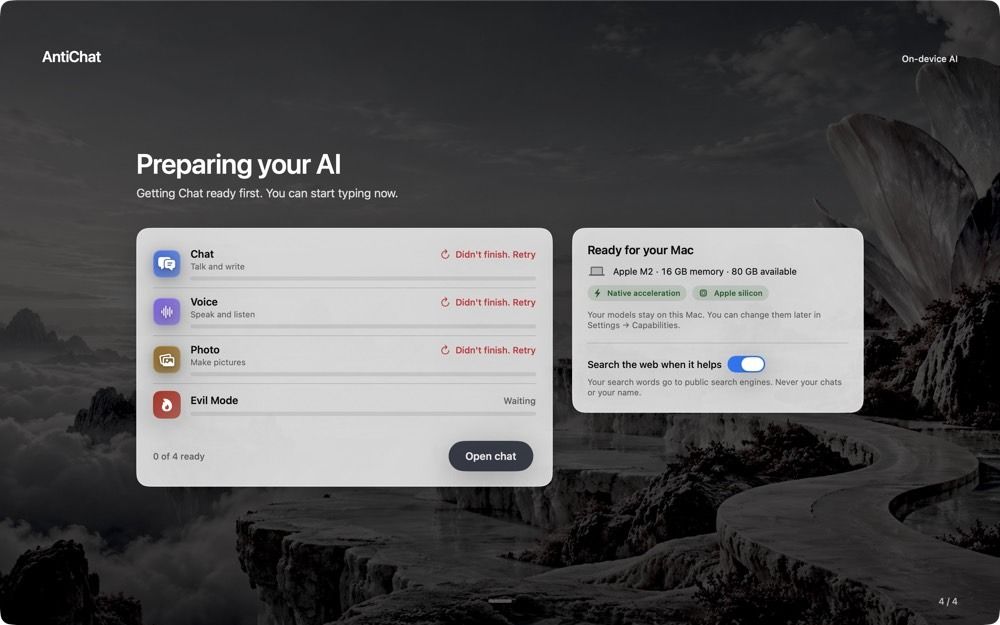
Chat is ready first. Type while the rest downloads in the background.
A Mac with Apple silicon (M1 or later) running macOS 26 Tahoe or later. 8 GB of memory is enough for chat. Photo needs 16 GB and Video needs 24 GB. Intel Macs are not supported.
The app is under 300 MB. Models are downloaded separately and each pack takes several gigabytes. Setup shows the size of each pack before anything downloads, and AntiChat always keeps 10 GB free. Settings › Storage shows what each pack uses and frees space.
Open-weight models at pinned versions, picked to fit your Mac: Qwen and Gemma for chat, Parakeet, Whisper and Kokoro for voice, FLUX.2 klein, Z-Image and Qwen-Image-Edit for pictures, and Wan 2.2 or LTX for video.
Settings › Capabilities lists every model with its licence. See model licences.
Normal mode behaves like the chat apps you know. Evil Mode is off by default, for adults only, and swaps in uncensored models with near-zero refusals.
One thing is blocked in every mode: sexual images or video involving minors. The terms also forbid sexual imagery of real people without their consent. Read the Evil Mode terms.
Yes, once the models are downloaded. Turn on Offline only in Settings › Privacy & Data and web search, connections, updates and downloads pause.
AntiChat checks once a day, downloads signed updates in the background and installs them when you restart. Your chats and models are never touched by an update. See the changelog.
Choose AntiChat › Uninstall AntiChat… It lists what it will remove and how much space that frees, offers to export your data first, then removes everything and moves itself to the Trash. Remove it by hand if you prefer.
Free, with no account and no subscription. The source code isn't public yet. It's coming.
More answers in Help.
No account, no subscription, no cloud. Just your Mac.
AntiChat needs a Mac with Apple silicon (M1 or later). Intel Macs are not supported.
Free · macOS 26 Tahoe or later · Apple silicon